
Map Creator Pro


One stackable system
Every map builds in layers. Yours to stack.


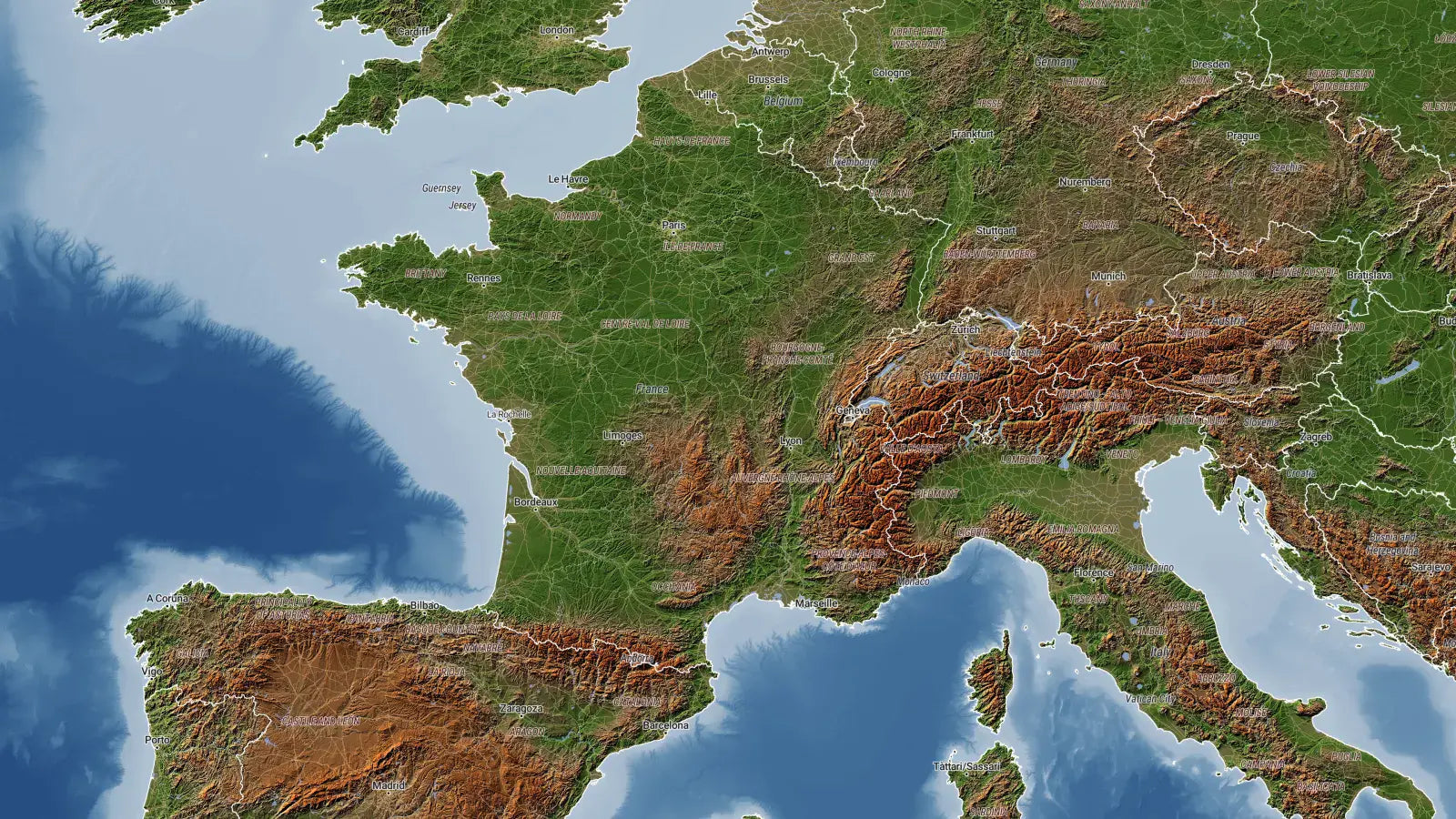
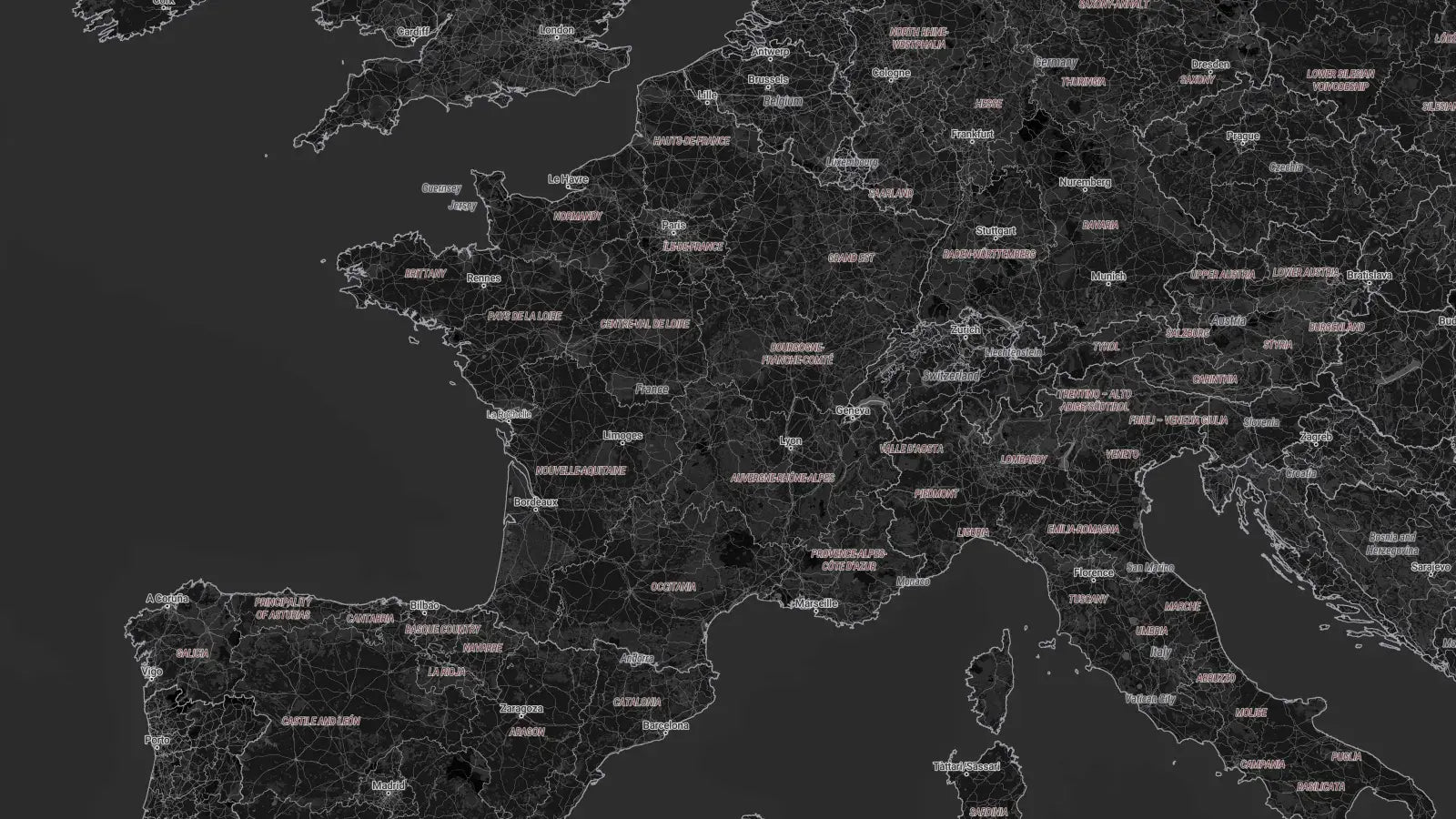
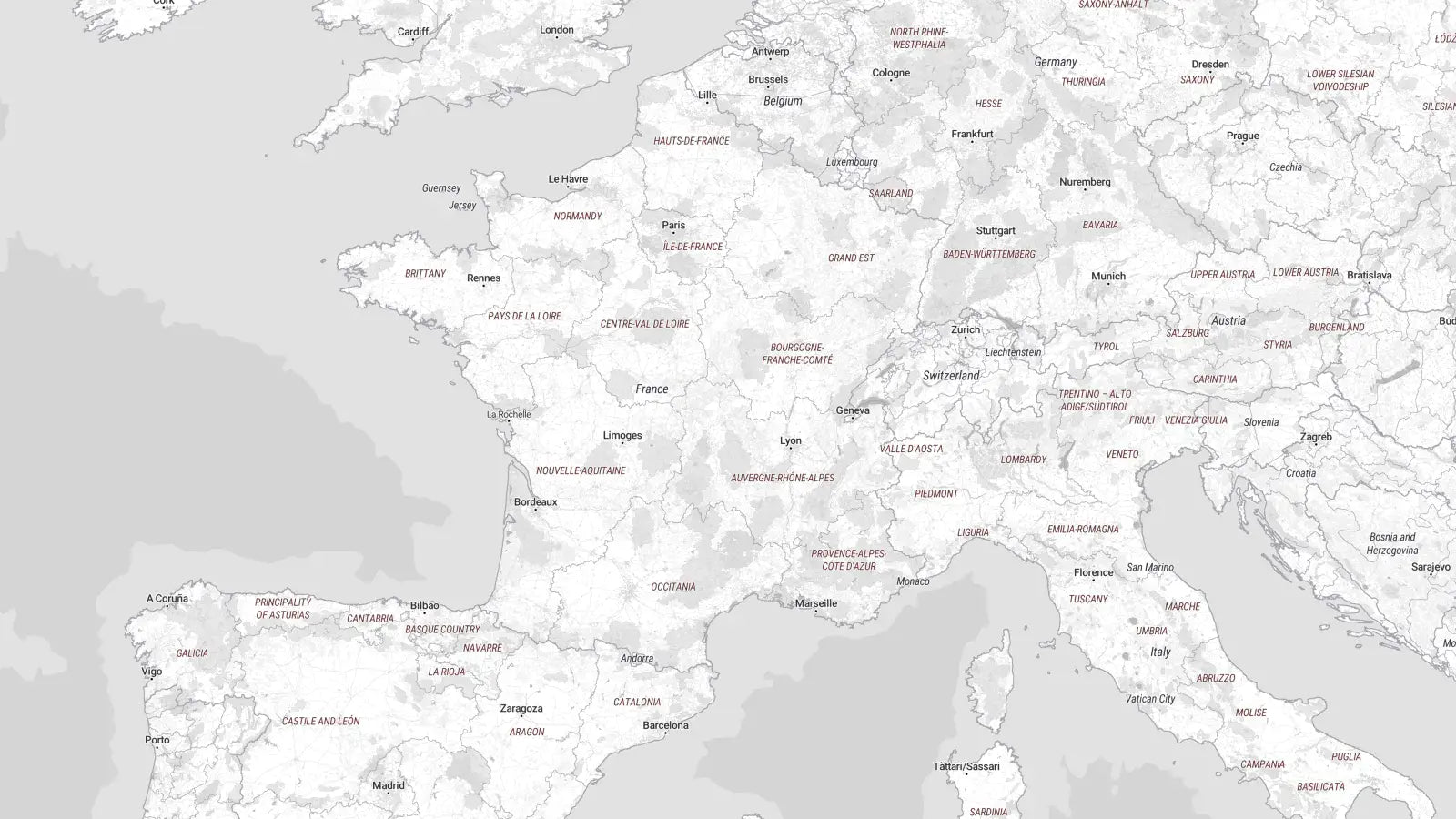
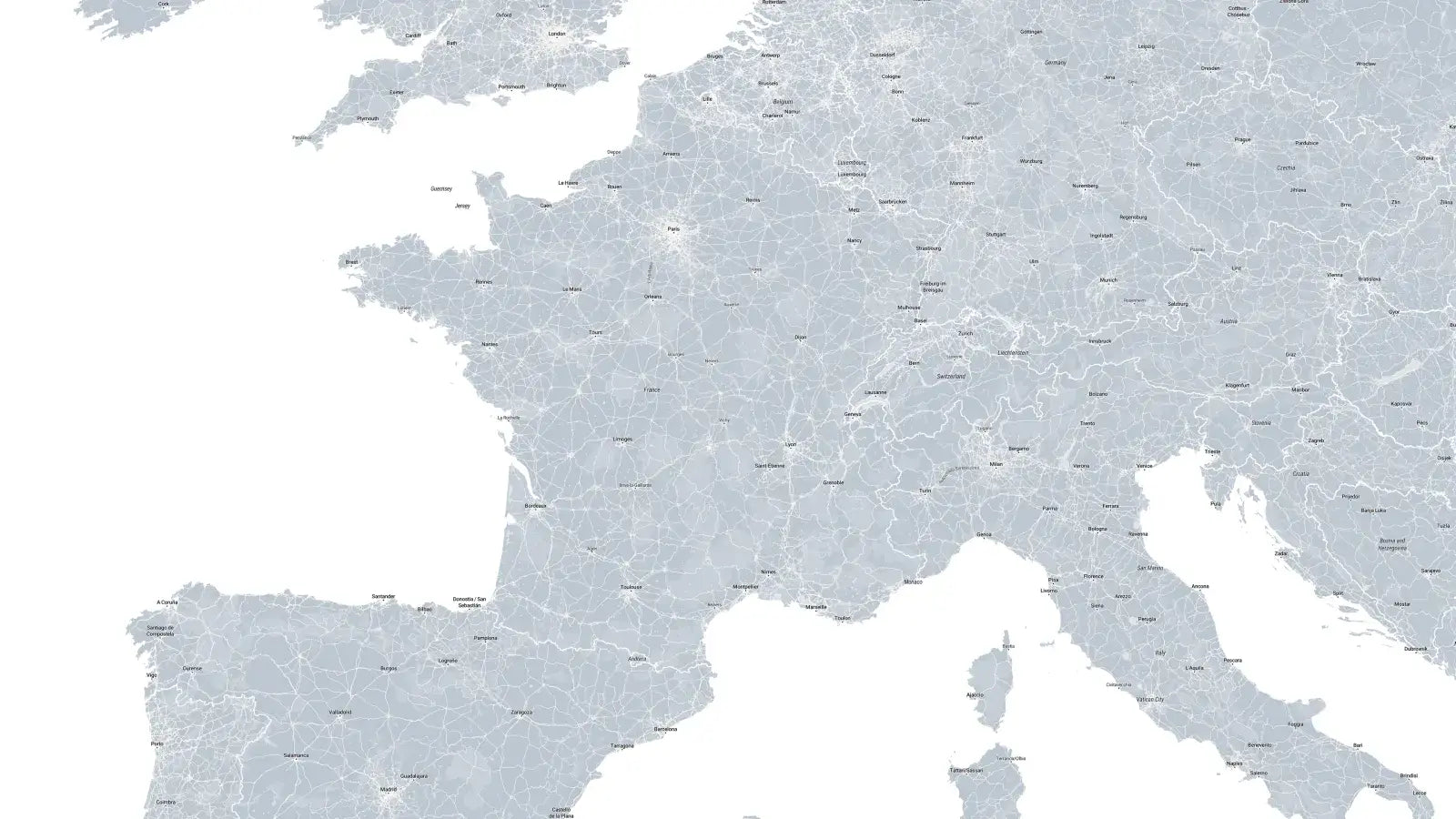
44 built-in styles
Have full control over your map, directly in the Inspector.
Nothing here is baked in. Swap the entire look, then highlight a country, a region, or a single sub-region, and fill it, outline it, or load an image inside the shape.
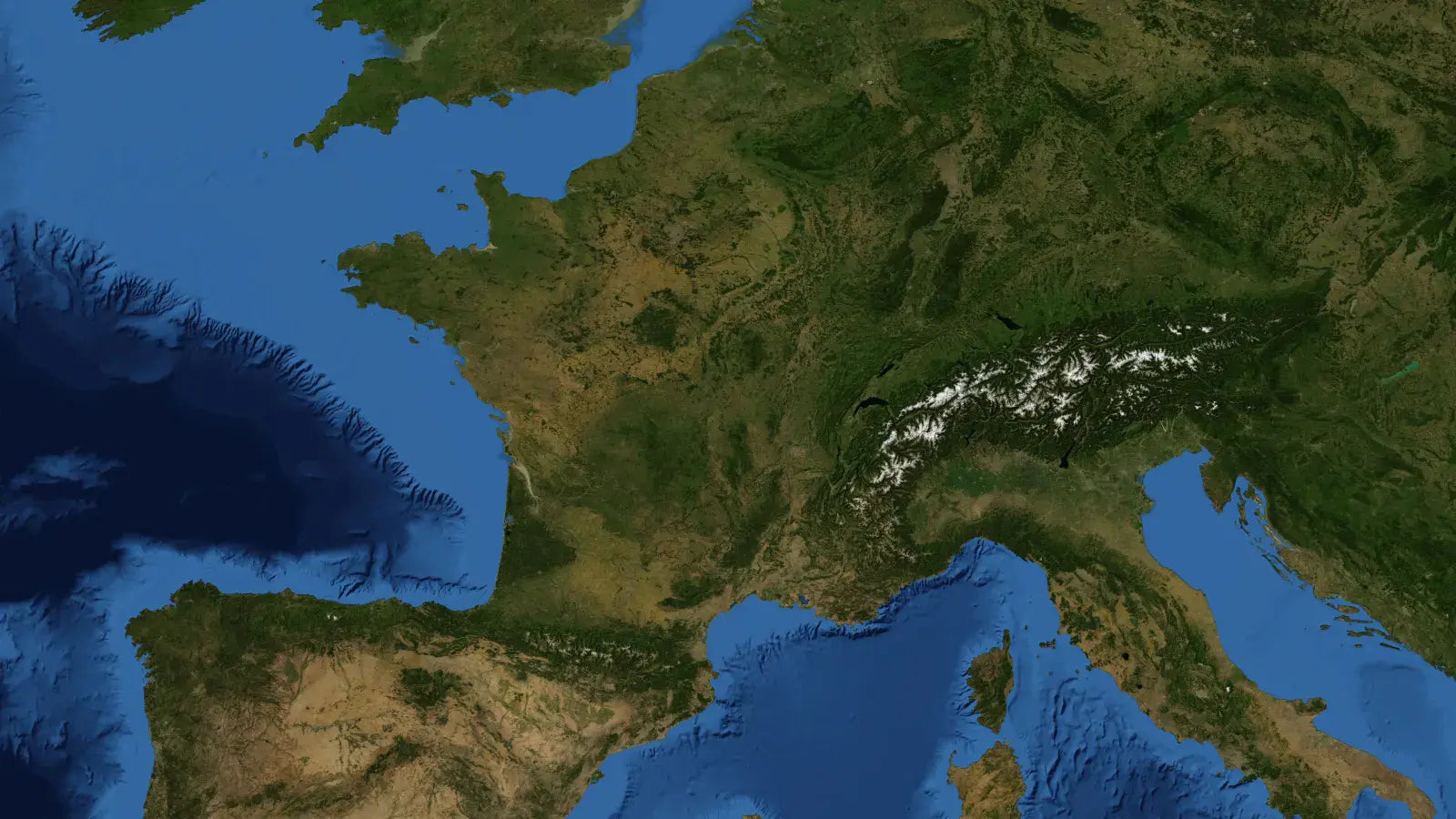
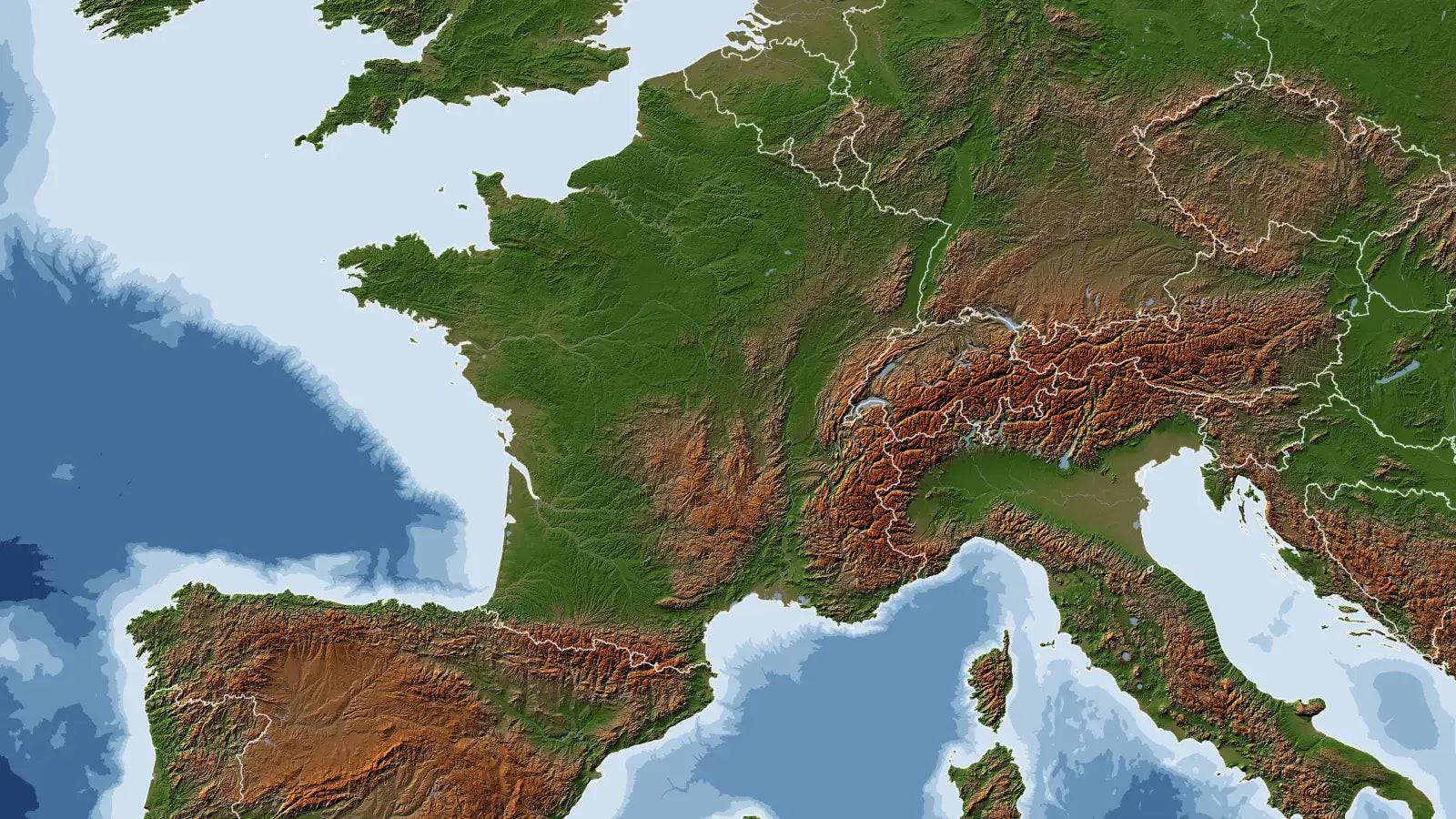
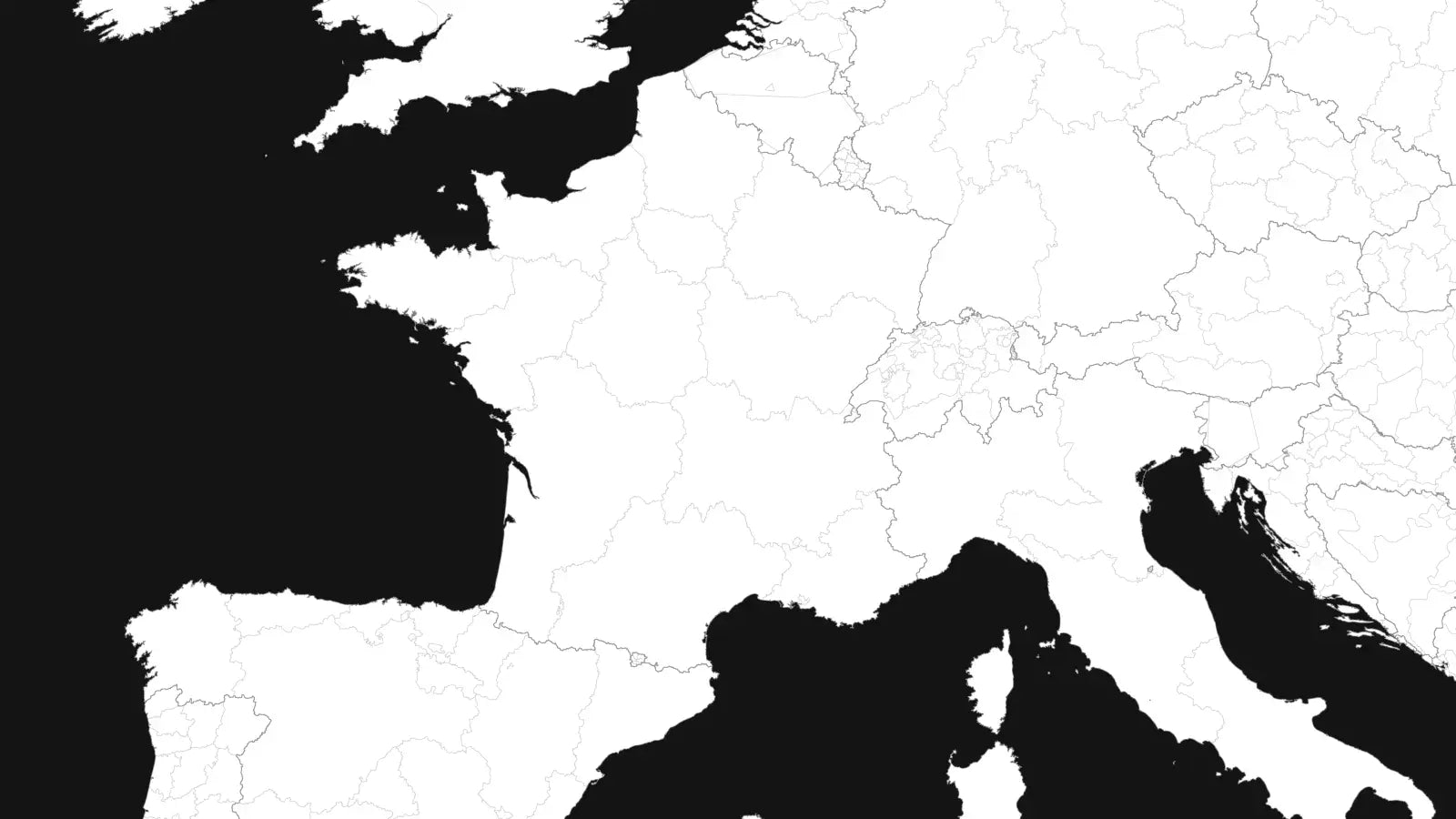
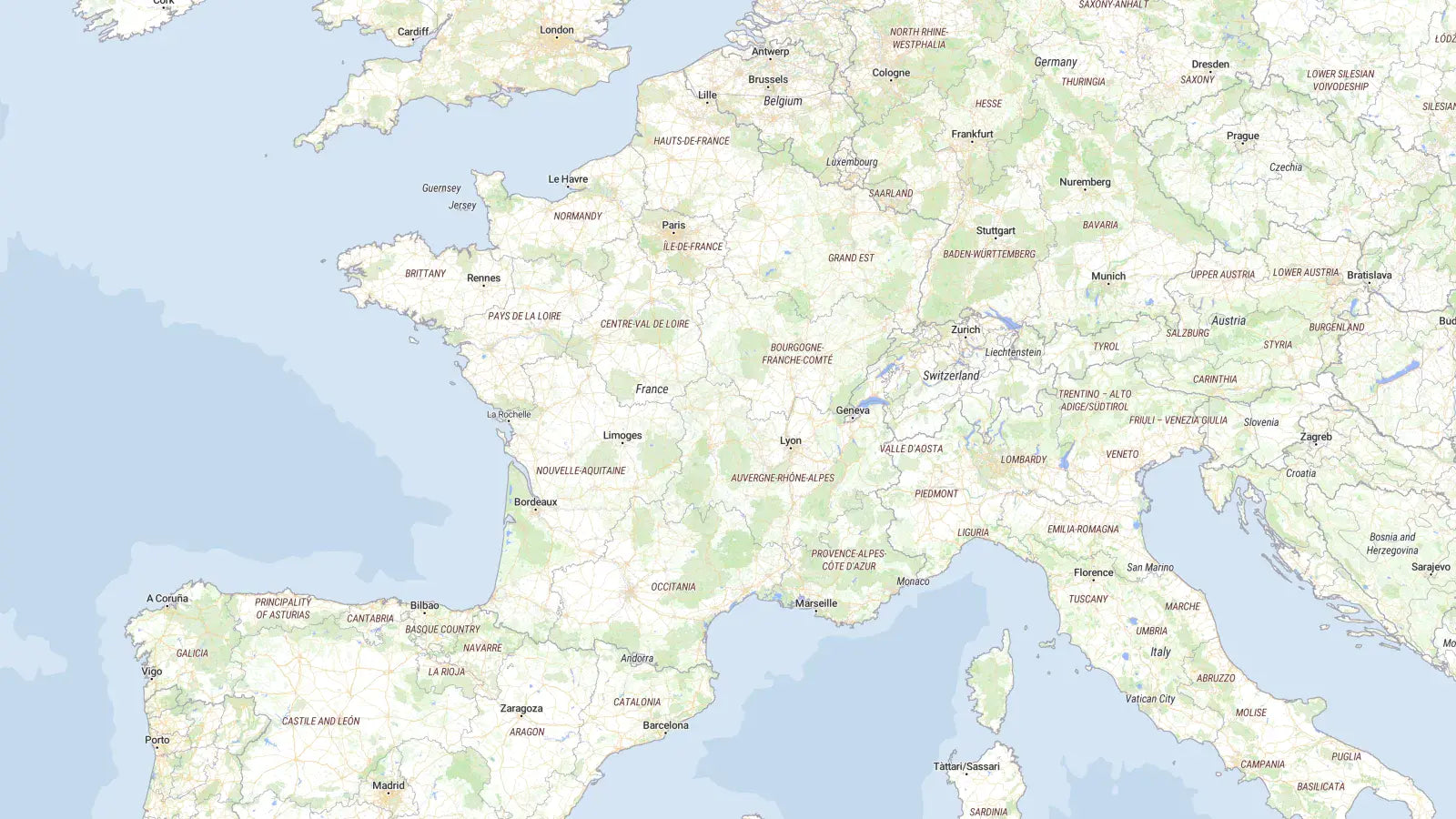
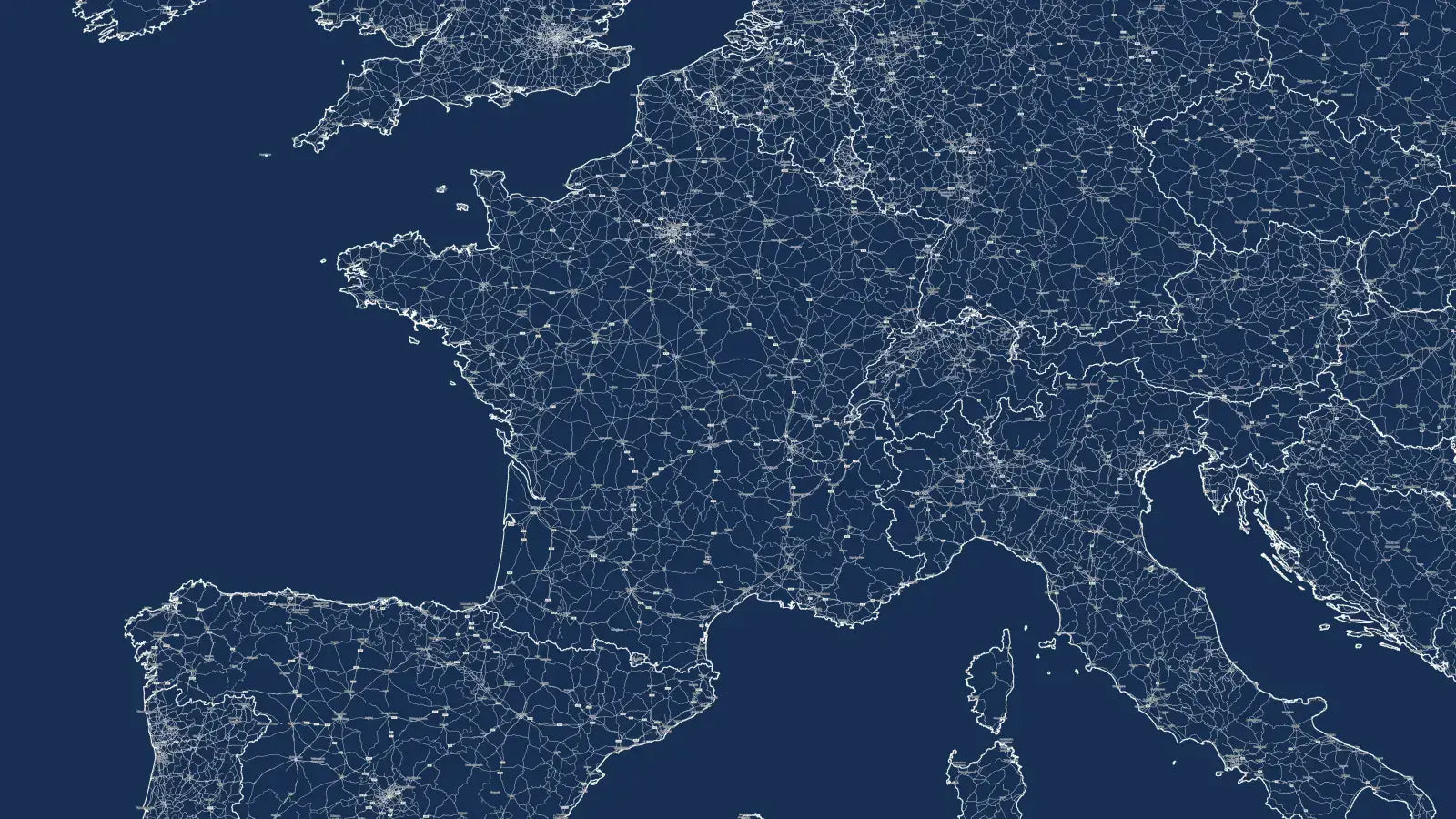
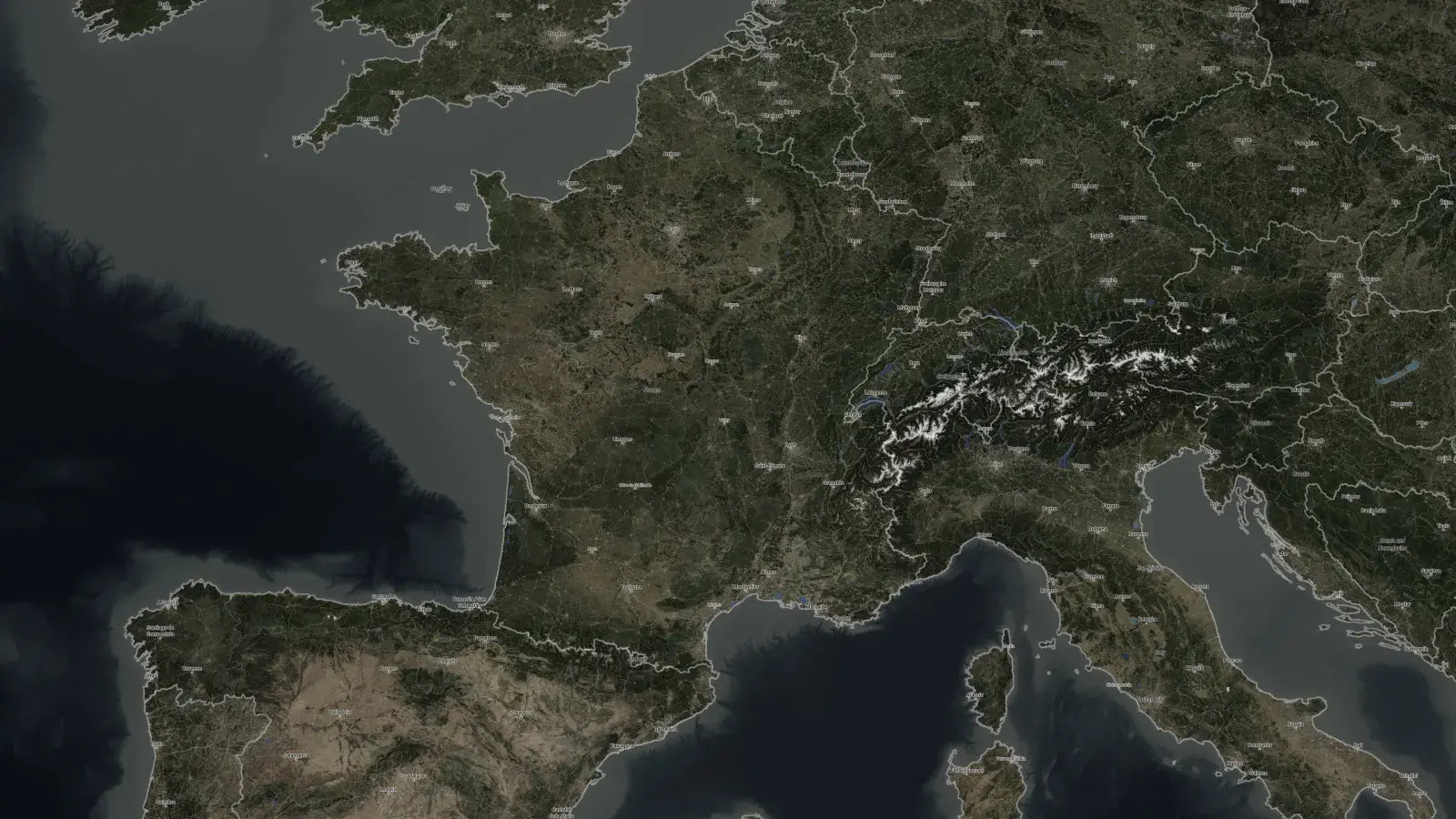
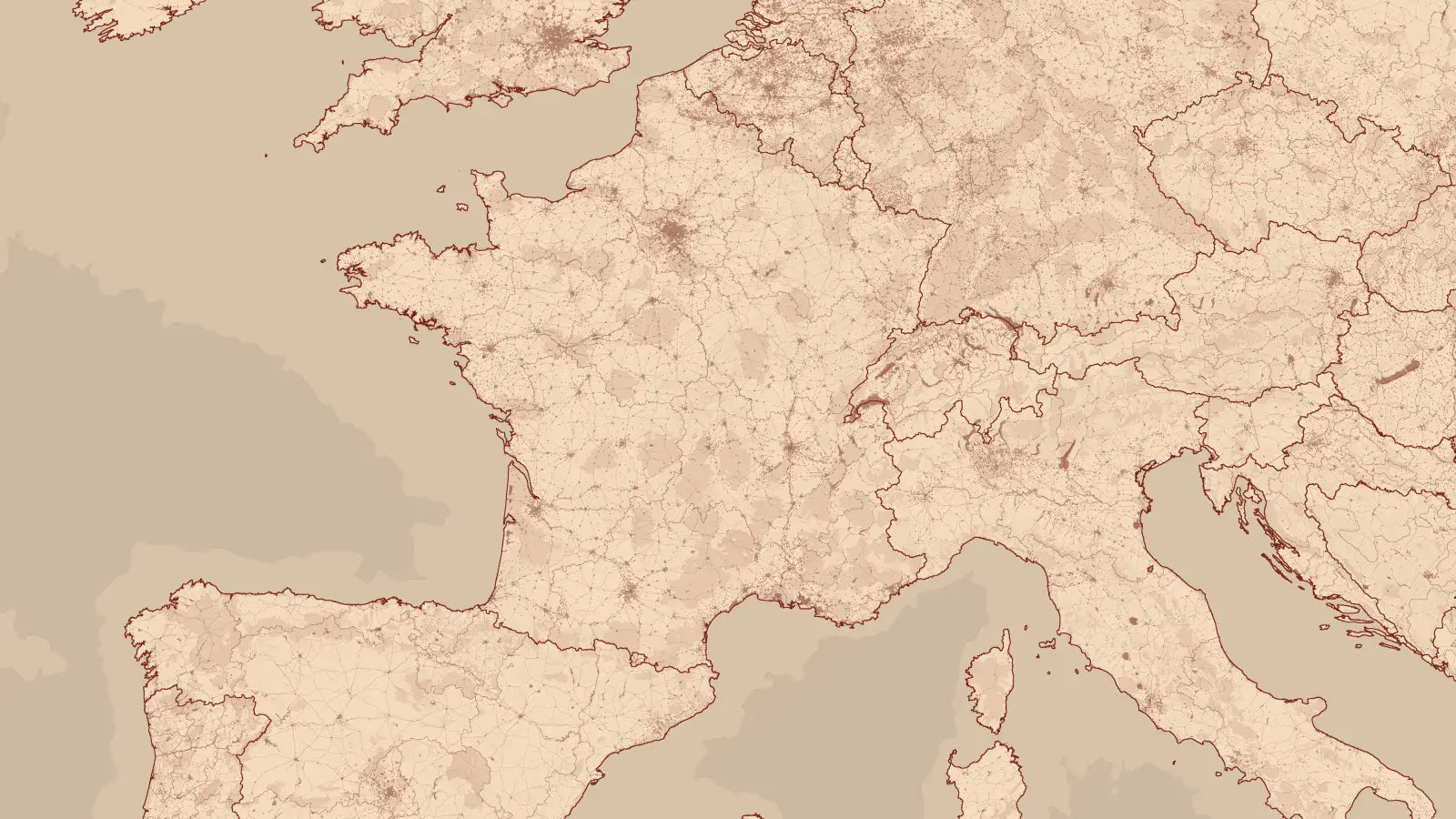
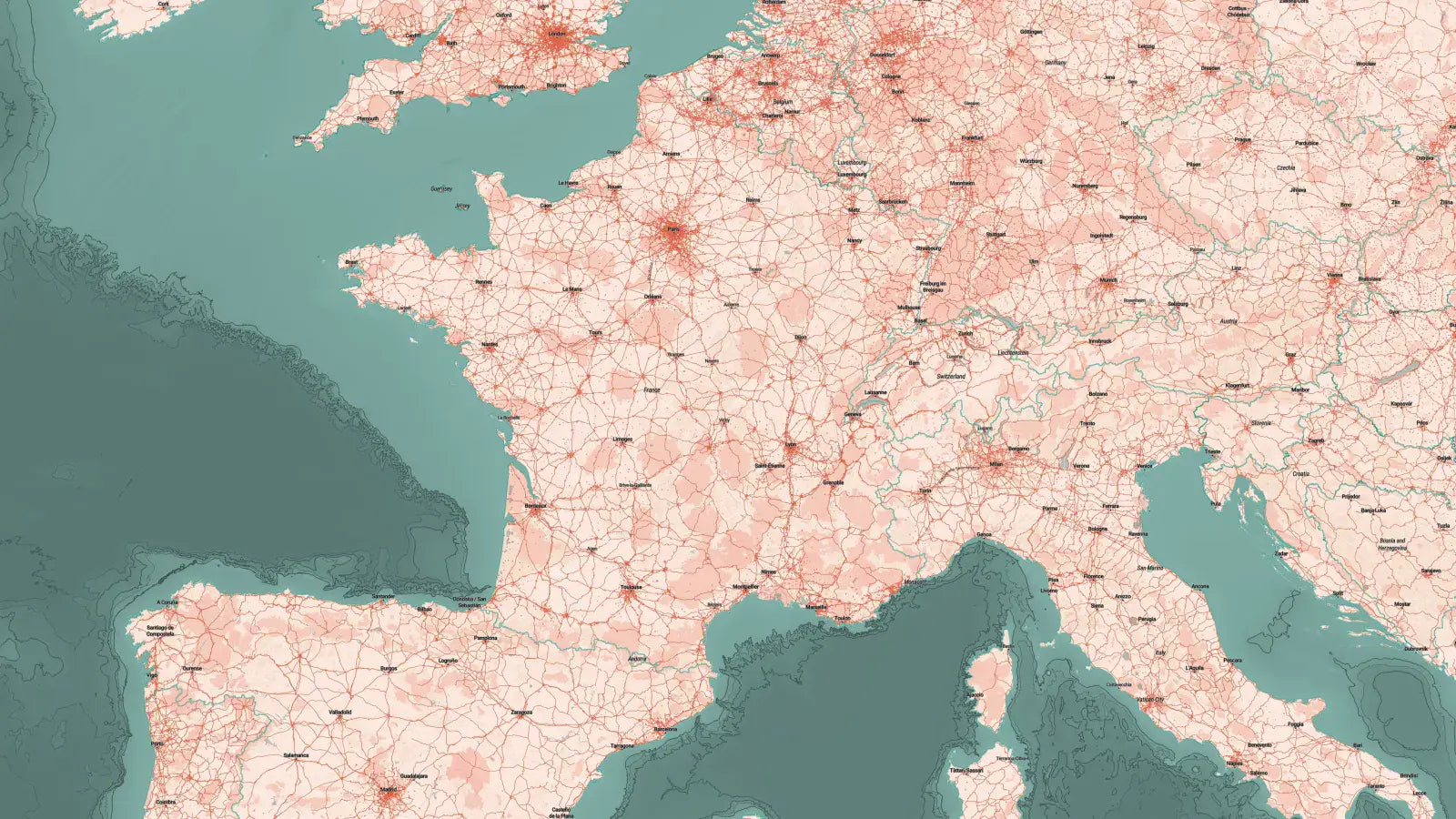
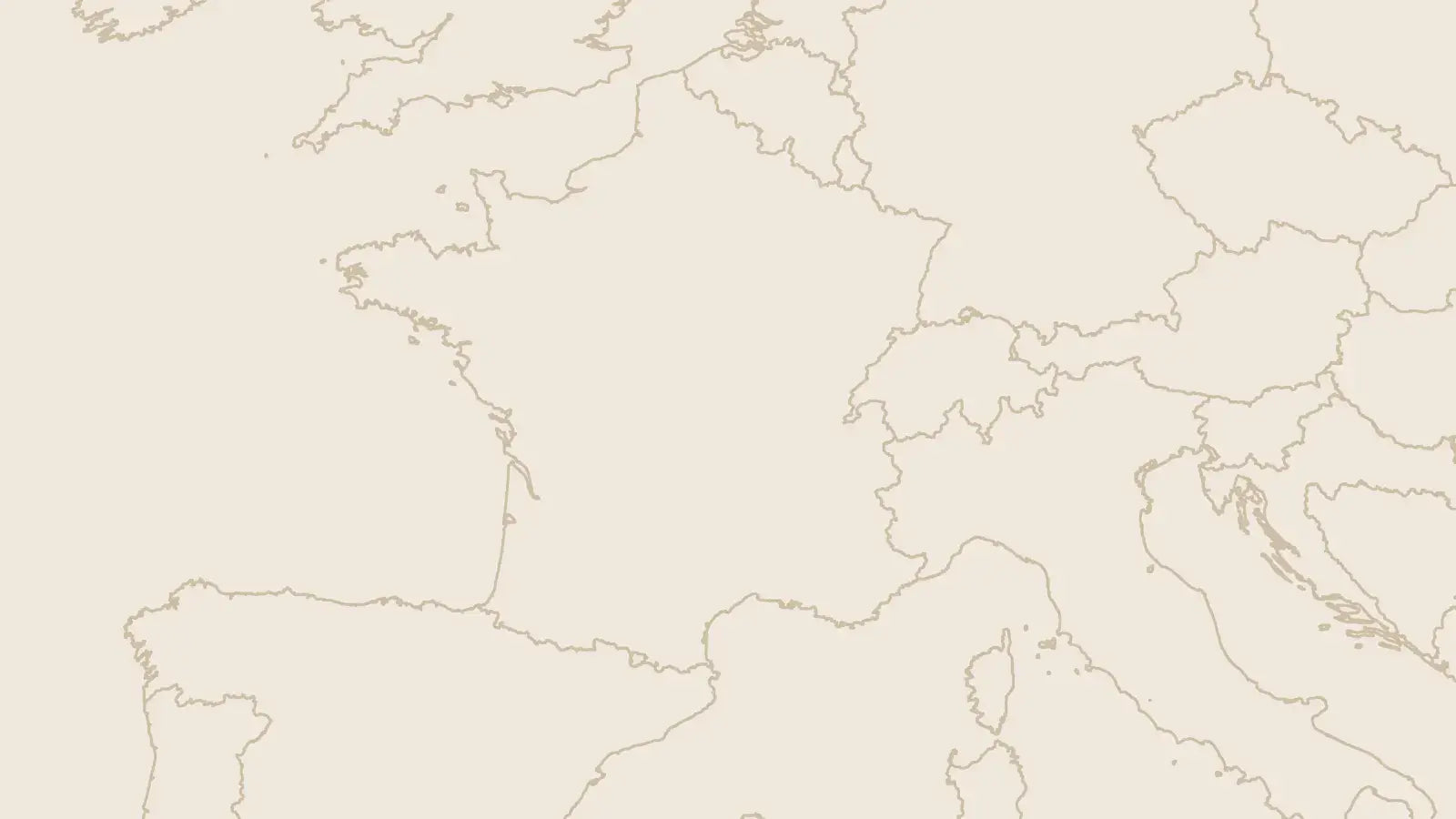
 Live render
Image works on any shape. Shown on the country in this demo.
- Water and terrain are separate base layers. Swap either without touching the other.
- Roads, urban areas, waterways sit on top as their own elements.
- Labels, country borders, and region borders stack last, each toggled on its own.
Every layer is a separate element you show, hide, and style. That is the whole system.
350+ assets across 14 categories
World, region, and country maps, every one rendered at 8K and built on the same stackable system.
Callouts, infographics, labels, legends, lines, loaders, pointers, effects, and transitions.

Every asset, back to back. See exactly what's in the pack.
How it works
From base map to finished composition, in five steps.
Start with a base map
World, region, or a single country.
Pick your style
44 looks, switched from one control.
Highlight what matters
Fill, outline, or image inside a shape.
Connect the story
Callouts, pointers, and lines.
Texture and movement
Zooms, textures, and camera moves.
A guided tour of everything inside

We walk through every section of the pack and show what each asset does.
Nearly an hour of it, so you know exactly what you are getting before you buy.
Build a real map with us, free

Drop your email and we'll send you a working asset from Map Creator Pro, plus the 31-minute walkthrough where we build a finished map with it, start to finish. Use it on a real project before you decide.
Part of the Explainer Bundle

- 350+ assets
- 14 categories
- Instant download
- Lifetime updates
- Commercial license
- Edit text, colors, and timing in the Inspector
- Any resolution and aspect ratio


About Map Creator Pro
What happens after I buy?
You'll receive an email with your purchase giving you access to your account where you can download your product. We'll also send you installation instructions to guide you through the process. But it's pretty straightforward: simply double click the DRFX file and double click on the fonts and you're done. Your pack will then be available in your Effect Library in DaVinci Resolve.
How big is the download?
6.38 GB. You download it once, install the .drfx file, and every map loads inside your Resolve library. The maps are 8K, which is where the size comes from. A stable connection and a few minutes are all you need.
Will this work in the free version of DaVinci Resolve?
Yes. All assets work in both the free and Studio versions of DaVinci Resolve, across the version range shown in the tech specs above. No additional plugins required.
I'm new to DaVinci Resolve. Is this too advanced for me?
No. If you can drag a clip onto a timeline and type text into a box, you can use this pack. Every asset works as a standard Resolve title or effect. You customize it from the Inspector panel just like any built-in title. No Fusion knowledge required. Plus we have detailed demo videos for each of our packs to show you how to use them.
Can I use these assets in client work?
Yes. Your purchase includes a commercial license to use the assets in unlimited personal and client projects, including paid client work.
Do these work in vertical timelines?
Yes. Assets auto-rescale to any aspect ratio. Some titles designed primarily for horizontal layouts may need a quick size and position adjustment in the Inspector.
Does this work for DaVinci Resolve for iPad?
No. To create some of our functionality, we use scripts, which aren't supported on iPad.
What's your refund policy?
All sales are final due to the digital nature of our products. To help you decide before buying, every pack has a free sample asset, a full preview video showing every asset, and a step-by-step demo. Use those to confirm the pack is the right fit for your work.
You may also like
